
Practical Tips to Help You Write Better Website Copy
11 MIN READ
You don’t have to be a professional copywriter to write effective website copy. These practical tips will help you figure out what to say, make your message clearer, and create a website that sounds like you.
Writing the words for your website can be surprisingly difficult. You know your business better than anyone, but the moment you’re faced with an empty headline, About section, or Services page, suddenly explaining what you do feels much harder than it should.
Part of the problem is that we put too much pressure on website copy. We think every headline needs to be clever, every introduction needs to sound perfectly polished, and every sentence needs to convince someone to buy. That pressure often leads to copy that feels stiff, overly complicated, or nothing like the person behind the business.
Good website copy doesn’t have to be perfect. It needs to be clear, useful, and easy for the right person to understand. The following strategies can help you get past the blank page, organize your thoughts, and write copy that works naturally with your website design.
In This Article
01 Start With the Questions Your Visitors Are Asking
02 Write Like You’re Talking to One Person
03 Get the Message Down Before Writing the Headline
04 Explain the Benefit Before the Details
05 Use a Simple Formula When You Get Stuck
06 Choose Clear Over Clever
07 Give Every Section a Job
08 Read It Out Loud
09 Edit Your Copy for the Website
10 Bringing It All Together
01. Start With the Questions Your Visitors Are Asking
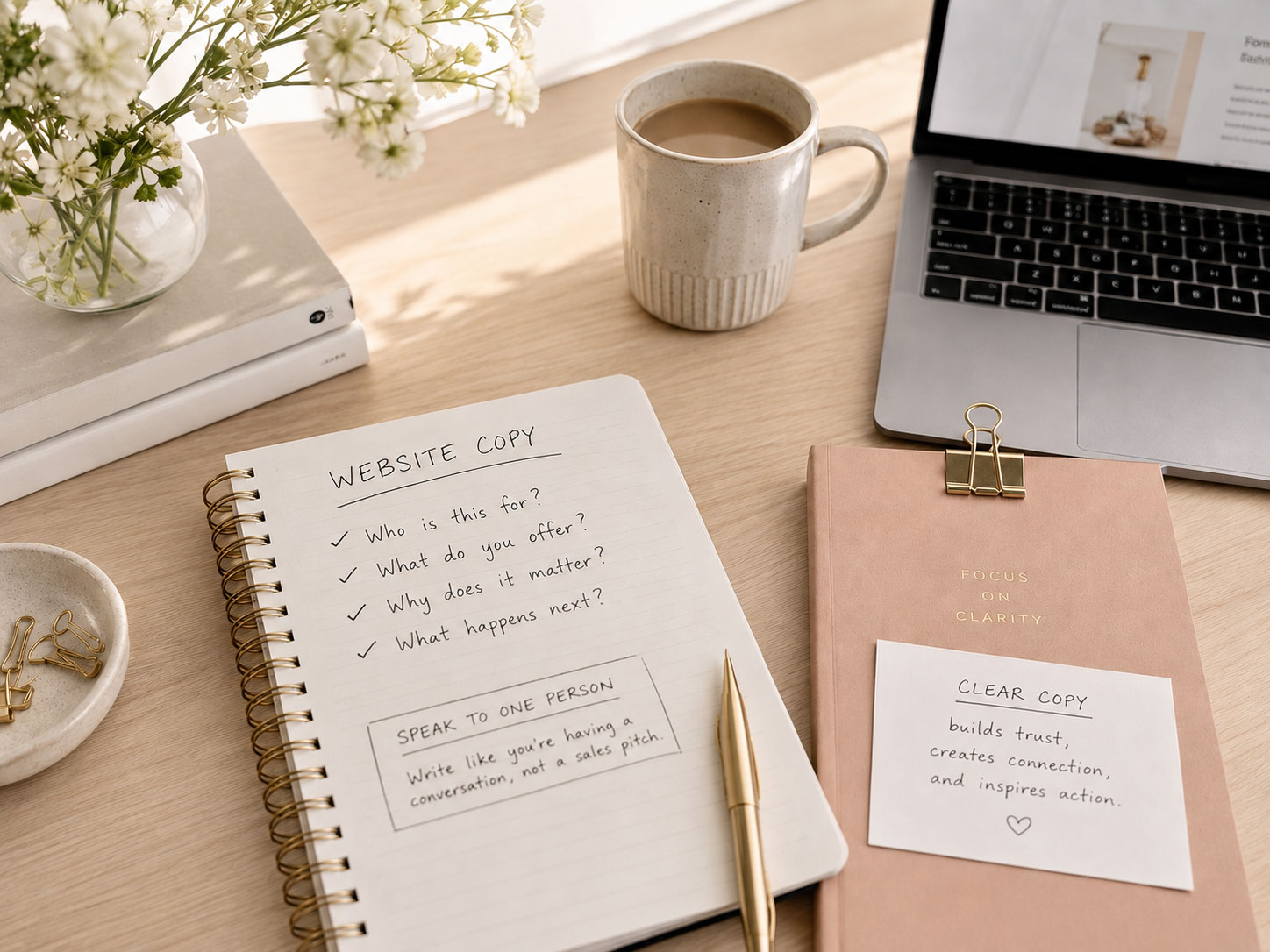
Before you start writing paragraphs, forget about the wording for a moment and think about the person visiting your website. What are they trying to figure out?
Someone arriving on your homepage may want to know what you do and whether they’re in the right place. On your Services page, they’re probably wondering whether your offer can solve their problem, what working with you involves, and what it costs. On your About page, they may be looking for a reason to trust or connect with you.
Write those questions down before you write the page. They become a simple outline for your copy because instead of asking, “What should I say here?” you can ask, “What does my visitor need to know here?”
That small shift makes writing much easier. You aren’t trying to fill spaces in a template anymore; you’re having a conversation and answering questions in the order someone is likely to ask them.
Continue Reading:
Homepage Design: 10 Elements Every Great Website Needs
How to Design an About Page People Actually Want to Read
How to Design a Services Page That Turns Visitors Into Clients.
The easiest way to know what to write is to start with what your visitor wants to know.
02. Write Like You’re Talking to One Person
If your copy starts sounding formal or generic, imagine your ideal customer sitting across the table from you and asking about your business.
How would you explain what you do? What words would you naturally use? How would you describe the problem you solve without trying to sound impressive?
Write that version first.
You can polish it later, but beginning conversationally helps remove phrases that sound like they belong in a brochure rather than your brand. Instead of “We provide comprehensive solutions tailored to meet the unique needs of our clients,” you might simply say, “We’ll create a website that feels like your business and makes it easier for the right clients to find you.”
The second version isn’t less professional. It’s simply easier to understand—and much easier to connect with.
03. Get the Message Down Before Writing the Headline
Headlines can stop the entire writing process before it begins. It’s easy to spend twenty minutes trying to create the perfect opening line while the rest of the page remains completely blank.
Skip the headline for now and write the section first. Explain the idea in plain language without worrying about whether it sounds polished. Once you know what the section is actually trying to communicate, go back and write the headline.
For example, after writing a section about helping busy business owners finally have a website they’re proud to share, the headline might naturally become:
A Website You’re Finally Excited to Share.
That’s much easier than trying to invent the headline before you’ve figured out what you want to say.

Designer Tip:
If you’re stuck on a headline, leave a placeholder and keep going. Your best headline is often hiding somewhere in the copy you haven’t written yet.
04. Explain the Benefit Before the Details
When you know your product or service inside and out, it’s natural to start by explaining what it includes. The problem is that visitors don’t always understand why those details matter yet.
Give them the reason first. Instead of beginning with:
Includes a custom homepage, Services page, About page, Contact page, and mobile optimization.
You might begin with:
Walk away with a polished website that clearly communicates what you do and makes your business feel established.
Then explain what’s included.
The details still matter. Features help people compare options and understand exactly what they’re getting, but benefits give those features meaning. Whenever you find yourself writing a long list of deliverables, pause and ask, “What does having all of this actually do for my customer?”
That answer often contains the copy you should lead with.
05. Use a Simple Formula When You Get Stuck
You don’t need a complicated copywriting formula every time you sit down to write. Sometimes you simply need a starting point.
Try this:
Problem → Solution → Result → Next Step
Imagine you’re a photographer writing a section about family sessions.
Problem: Family photos can feel stressful and overly posed.
Solution: Your sessions are relaxed and gently guided.
Result: Families receive natural photographs that actually feel like them.
Next Step: View the session details.
Turn those pieces into a few natural sentences and you already have the foundation of the section.
The same approach works for web designers, coaches, bloggers, shop owners, interior designers, photographers, consultants, and almost any other business. You don’t necessarily need to show all four pieces every time, but the formula can help you find a starting point when you’re staring at a blank page.
06. Choose Clear Over Clever
There is nothing wrong with personality in your copy. A memorable phrase or unexpected headline can make a website feel distinctly yours, but visitors should never have to decipher what you mean.
This is especially important for navigation, buttons, service names, product categories, and important headlines. Familiar navigation labels such as About, Services, Shop, and Contact, along with straightforward buttons like View Services and Get in Touch, work because people immediately understand where they lead.
You can bring more personality into supporting headlines and paragraphs where there is enough context to make the meaning obvious.
For example:
Clever but unclear:
It’s Time to Make Some Magic.
Clear with personality:
Let’s Create a Website That Finally Feels Like You.
Both have personality, but the second tells the visitor what you’re actually talking about.
Continue Reading:
Website Navigation Best Practices
Your visitors shouldn’t have to work to understand your website. Clarity is part of good design.
07. Give Every Section a Job
One of the easiest ways to improve website copy is to stop treating every available section as a space that needs to be filled.
Every section should have a purpose. It might introduce an idea, explain a service, answer a question, establish credibility, build connection, overcome hesitation, or encourage someone to take the next step.
Before writing a section, finish this sentence:
“After reading this, I want my visitor to understand ______.”
If you can’t fill in the blank, you may not need the section—or you may need to rethink what belongs there.
This also helps eliminate repetition. Your homepage doesn’t need to contain your entire About page, and your About page doesn’t need to repeat your complete Services page. Give visitors enough information to understand the idea, then guide them to the page where they can learn more.
Continue Reading:
How to Create Beautiful Website Layouts That Feel Professional
08. Read It Out Loud
This may be the simplest tip in the article, but it’s one of the most effective.
Read your website copy out loud.
You’ll immediately hear sentences that are too long, phrases you’d never actually say, repeated words, awkward transitions, and places where you’re trying too hard to sound professional.
If you run out of breath halfway through a sentence, shorten it. If you stumble over a phrase, simplify it. If something makes you cringe when you hear yourself say it, rewrite it in the way you’d actually explain it to someone.
Reading your copy aloud is also one of the easiest ways to check your brand voice. Your website doesn’t need to sound exactly like casual conversation, but it should still sound recognizably like you.
09. Edit Your Copy for the Website
Writing the copy and designing the page aren’t completely separate jobs. Once your words are inside the actual layout, you’ll often discover that something needs to change.
A paragraph that looked perfectly reasonable in a document may feel overwhelming on a phone. A headline may wrap awkwardly across four lines. Three sections in a row may repeat essentially the same message.
Once the copy is on your website, read through the page again as a visitor. Break up genuinely long paragraphs, tighten repetitive ideas, add useful headings, and make sure the most important information is easy to find.
But don’t take this too far. Not every sentence needs its own paragraph, and every section doesn’t need a bullet list or callout box. Good website copy still needs enough substance to feel thoughtful. The goal is to make your words comfortable to read without chopping them into disconnected pieces.
This final editing pass is where your writing and your design begin working together.

Designer insight:
Don’t judge your website copy only in a document. Judge it in the design where your visitors will actually read it.
10. Bringing It All Together
Writing better website copy isn’t about becoming a copywriter. It’s about understanding what your visitors need to know and communicating it in a way that feels clear, useful, and true to your brand.
Start with their questions instead of a blank page. Write naturally before you polish. Focus on the result before listing every feature, choose clarity over cleverness, and give every section a reason to exist. Then read everything aloud and review it one final time inside the actual website.
Most importantly, don’t let the search for perfect wording keep your website unfinished. Your copy can evolve as your business does. Start with something clear and genuine, publish it, and refine it as you learn more about the people you’re trying to reach.
When your words and design support each other, your website doesn’t just look professional. It becomes easier for the right people to understand your business, connect with your brand, and confidently take the next step.
Continue Reading:
How to Create a Cohesive Website That Feels Professionally Designed.
Before You Publish Your Website Copy
Before you hit publish, use this quick checklist to make sure your copy is clear, purposeful, and written with your visitor in mind.
Your website doesn’t need perfect words. It needs words that help the right people understand why they’re in the right place.
Ready to Give Your Words a Beautiful Place to Live?
Writing thoughtful website copy is easier when you’re not starting with a blank page. Hello You Designs themes give you beautifully designed, strategically organized page layouts that help you see what belongs where—so you can focus on making the words your own.
Whether you’re building a blog, growing a business, showcasing your services, or creating an online shop, start with a design that gives your words, images, and ideas a clear place to belong.
Some Common Design Questions
Still have questions? Here are a few quick answers to some of the most common questions about this topic.