
How to Plan Your Website Before You Start Designing
12 MIN READ
Before choosing fonts, colors, or a WordPress theme, take time to plan what your website actually needs. A little preparation can make the entire design process easier, more organized, and more intentional.
There’s something exciting about starting a new website.
You find a beautiful theme, imagine your photography in the layouts, start thinking about colors and fonts, and suddenly you’re ready to jump straight into designing.
But then come the questions. What should go on the homepage? Which pages do you actually need? What should your buttons say? Where will your photos go? And what happens when you realize halfway through that you haven’t written any of your content?
This is where a little planning makes a big difference.
Website planning doesn’t need to be complicated. You don’t need a formal strategy document, a perfectly mapped-out business plan, or every detail figured out before you begin. You just need a clear understanding of what you’re building, who it’s for, and what you want it to accomplish.
A beautiful website starts long before you choose the colors. It starts with knowing what you want the website to do.
In This Article
01 Start With the Purpose of Your Website
02 Know Who You’re Designing For
03 Decide What Pages You Actually Need
04 Organize Your Content Before Your Layouts
05 Plan How Visitors Will Move Through Your Website
06 Gather Your Branding and Photography
07 Choose a Theme That Supports Your Plans
08 Create a Simple Website Launch Plan
01. Start With the Purpose of Your Website
KNOW WHAT YOU’RE BUILDING BEFORE YOU DECIDE HOW IT LOOKS
Before opening WordPress or browsing themes, ask yourself what you actually want your website to accomplish.
That might sound obvious, but it’s easy to get distracted by beautiful layouts without thinking about what those layouts need to do.
A blogger may want to grow readership, organize content, and encourage visitors to explore more articles. A service provider may want to explain their expertise and generate inquiries. A creator might focus on building an email list, sharing resources, or selling digital products.
Many websites need to accomplish several of those things, which is why identifying your priorities is so important.
Ask Yourself:
✓ What is the main purpose of my website?
✓ What do I want visitors to find or learn?
✓ What action would I most like them to take?
✓ What does my website need to support today?
✓ What might I want to add in the future?
You don’t need a separate website for every part of your business. But understanding what matters most will help you decide which pages, features, and layouts deserve the most attention.

Designer insight:
Start with your website’s purpose, not its appearance. When you know what you’re trying to accomplish, design decisions become much easier to make.
02. Know Who You’re Designing For
YOUR WEBSITE SHOULD MAKE SENSE TO THE PEOPLE USING IT
It’s easy to design a website around what you personally like. Your favorite colors, beautiful photography, an interesting layout you discovered on Pinterest.
Those preferences matter, but your website also needs to work for the people visiting it.
Think about who they are, why they’re coming to your website, and what information they’re hoping to find.
Someone searching for a photographer wants to see examples of their work, understand their services, and know how to inquire. Someone visiting a food blog may want to find recipes quickly, browse categories, and save favorites.
Those visitors have different needs, even if both websites use beautiful photography and editorial layouts.
You don’t need to create a complicated customer profile. Start by answering a few practical questions:
Keep those answers nearby as you plan your pages. They’ll help you make decisions based on what your visitors actually need rather than simply what looks good in a demo.
03. Decide What Pages You Actually Need
BUILD A WEBSITE THAT FITS YOUR BUSINESS
One of the most common planning mistakes is assuming you need to use every page included with your theme. You don’t. A theme may include multiple homepages, service layouts, portfolio pages, shop designs, and content sections, but those are options, not requirements.
Start with the pages your website needs right now.
For many websites, that might include a Homepage, About page, Contact page, and a Blog or Services page. Depending on your business, you may also need a Portfolio, Shop, Resources page, or dedicated landing pages.
The goal isn’t to create the largest website possible. It’s to create one that’s organized, useful, and easy to navigate.
START WITH THREE GROUPS:
Essential Pages — The pages your website needs to function and communicate what you do.
Supporting Pages — Pages that provide additional information, build confidence, or help visitors explore.
Future Pages — Features or content you may want to add as your business grows.
For a deeper look at which pages belong on your website, read The Essential Pages Every Business Website Needs (and Why They Matter).
Common mistake:
Building every page simply because your theme includes it. Start with what your business actually needs. You can always add more as your content and offerings grow.
04. Organize Your Content Before Your Layouts
YOUR CONTENT SHOULD HELP SHAPE THE DESIGN
This is one of the biggest things I wish more people would do before starting a website: write, or at least outline your content before getting too far into designing.
You don’t need every sentence finalized, but you should have a reasonable idea of what each page needs to communicate. Otherwise, it’s easy to choose a beautiful layout and then struggle to find something meaningful to put in it.
You might end up writing extra paragraphs because a section has room for them, adding testimonials you don’t have, or trying to fit an important message into a layout that wasn’t designed for it.
Instead, create a simple outline for each page.
FOR EXAMPLE, YOUR HOMEPAGE MIGHT NEED:
- Introduction — Who you are and what you offer.
- Primary Offering — Your most important services, products, or content.
- About Preview — A brief introduction to the person or business behind the website.
- Supporting Content — Featured articles, portfolio work, testimonials, or resources.
- Closing CTA — A clear invitation to take the next step.
Your exact structure will depend on your website, but outlining it first makes it much easier to choose appropriate layouts.
And remember, more content doesn’t automatically make a better website. Clear, useful information presented thoughtfully will usually serve visitors better than filling every available space.
If writing the actual wording feels overwhelming, Practical Tips to Help You Write Better Website Copy is a good place to start.
Don’t write content just to fill a layout. Choose layouts that help your content do its job.
05. Plan How Visitors Will Move Through Your Website
THINK BEYOND THE HOMEPAGE
Your website isn’t a collection of unrelated pages. Each page should help visitors find information and move naturally toward whatever they’re looking for.
Before designing your navigation, think about the paths someone might take through your website. A visitor might arrive on your homepage, explore your services, read about your process, and submit an inquiry. Someone else might discover a blog post through Google, browse related articles, visit your About page, and eventually subscribe to your newsletter.
Both are valuable journeys, and while you don’t need to map every possible click, you should understand how your most important pages connect.
PLAN YOUR VISITOR JOURNEY:
✓ What information should visitors see first?
✓ Which pages naturally belong together?
✓ Can someone find your most important offerings easily?
✓ Where should each page lead next?
✓ Are there unnecessary steps between discovering something and taking action?
This is also a good time to think about your main navigation. Keep it organized around the pages visitors are most likely to need rather than trying to include every page you’ve created.
Your calls to action should support those paths. For more guidance, see How to Create Calls to Action That Actually Get Visitors to Click and Website Navigation Best Practices: Help Visitors Find What They’re Looking For.
06. Gather Your Branding and Photography
MAKE THE DESIGN PROCESS EASIER BEFORE IT BEGINS
Once you know what your website needs to communicate, it’s time to gather the visual pieces that will bring it together. You don’t need every design decision finalized, but having your branding and imagery ready will make customization much easier.
YOUR WEBSITE DESIGN STARTER KIT:
✓ Primary logo and any alternate logo versions
✓ Brand color palette
✓ Heading and body fonts
✓ Brand photography or selected stock images
✓ Product, service, or portfolio images
✓ Social media links
✓ Any icons or graphics you’ll need
If you don’t have an established brand yet, start with a simple visual direction rather than trying to create an elaborate identity all at once. Choose a few colors that work together, a readable font pairing, and photography that reflects the personality you want your website to communicate.
Pay particular attention to your images. They influence how a website feels just as much as colors and typography. Gather a mix of horizontal, vertical, and square images so you have flexibility when working with different layouts.
For more detailed guidance, explore How to Choose the Right Images for Your Website, How to Choose the Right Fonts for Your Website, and How to Use Color to Create a Beautiful, Cohesive Website.

Designer Tip:
Create one folder for your website assets before you begin. Organize your logos, photography, graphics, and brand references so you aren’t constantly searching for files while designing.
07. Choose a Theme That Supports Your Plans
LOOK BEYOND THE DEMO HOMEPAGE
Once you have a clear idea of your website’s purpose, pages, content, and visual direction, choosing a theme becomes much easier.
Instead of asking only, Which demo looks the prettiest?, ask a more useful question: Does this theme give me the layouts and flexibility I need?
Look beyond the homepage. Does the theme include the page types you plan to use? Can you customize the colors, fonts, and imagery to fit your brand? Will it support the content you want to publish and allow you to add new pages or offerings later?
Also consider how comfortable you’ll feel making changes yourself. A beautiful demo isn’t especially helpful if you can’t easily update the content or adjust the design as your business evolves.
You don’t need a theme that includes every possible feature. You need one that gives you a good foundation for what you’re actually building.
And remember, your finished website doesn’t have to look exactly like the demo. The photography, colors, typography, content, and way you combine layouts can completely transform the final result.
The theme provides the starting point. Your brand and content make it yours.
08. Create a Simple Website Launch Plan
YOU DON’T HAVE TO DO EVERYTHING AT ONCE
With your content and design direction organized, the last step is deciding how you’ll work through the actual build.
Trying to design every page, customize every detail, write all your content, and troubleshoot everything at once can quickly become overwhelming.
Instead, break the process into manageable stages.
YOUR WEBSITE BUILDING PLAN
01. Prepare
Finalize your page list, gather your content, and organize your branding and images.
02. Set Up
Install WordPress, your theme, and any necessary plugins. Import your starting layouts if your theme supports them.
03. Customize
Set your main colors and typography, add your branding, and begin customizing your core pages.
04. Connect
Set up your navigation, buttons, forms, social links, and any additional features your website needs.
05. Review
Check the website on desktop and mobile, proofread your content, test your links and forms, and make sure everything works as expected.
06. Launch
Complete your final checks, make your website public, and continue improving it as your business grows.
You don’t have to finish every optional page or have months of content prepared before launching. Focus on making the essential parts of your website complete, accurate, and functional.
And give yourself permission to make changes after launch. A website is something you can continue improving, not a project that must be perfect on day one.
Key Takeaways ✓
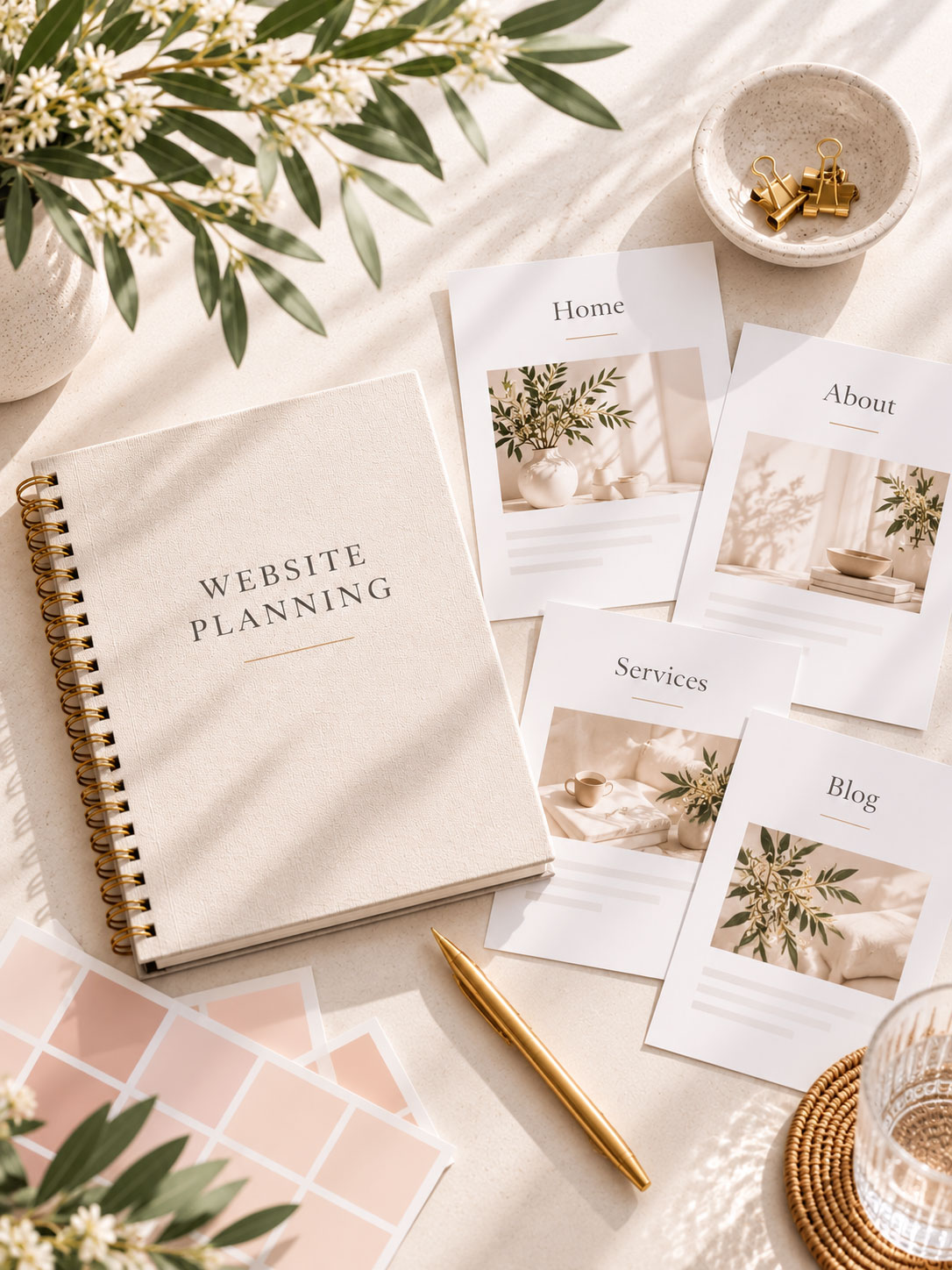
Ready to Bring Your Website Together?
A little planning can make the entire website-building process feel more manageable. Once you know what pages you need, what you want to say, and how you want visitors to move through your website, the design decisions become much easier.
Explore our collection of customizable WordPress themes, created to give you a beautiful, flexible starting point without needing to build everything from scratch.
Some Common Design Questions
Still have questions? Here are a few quick answers to some of the most common questions about this topic.